Create and verify your account
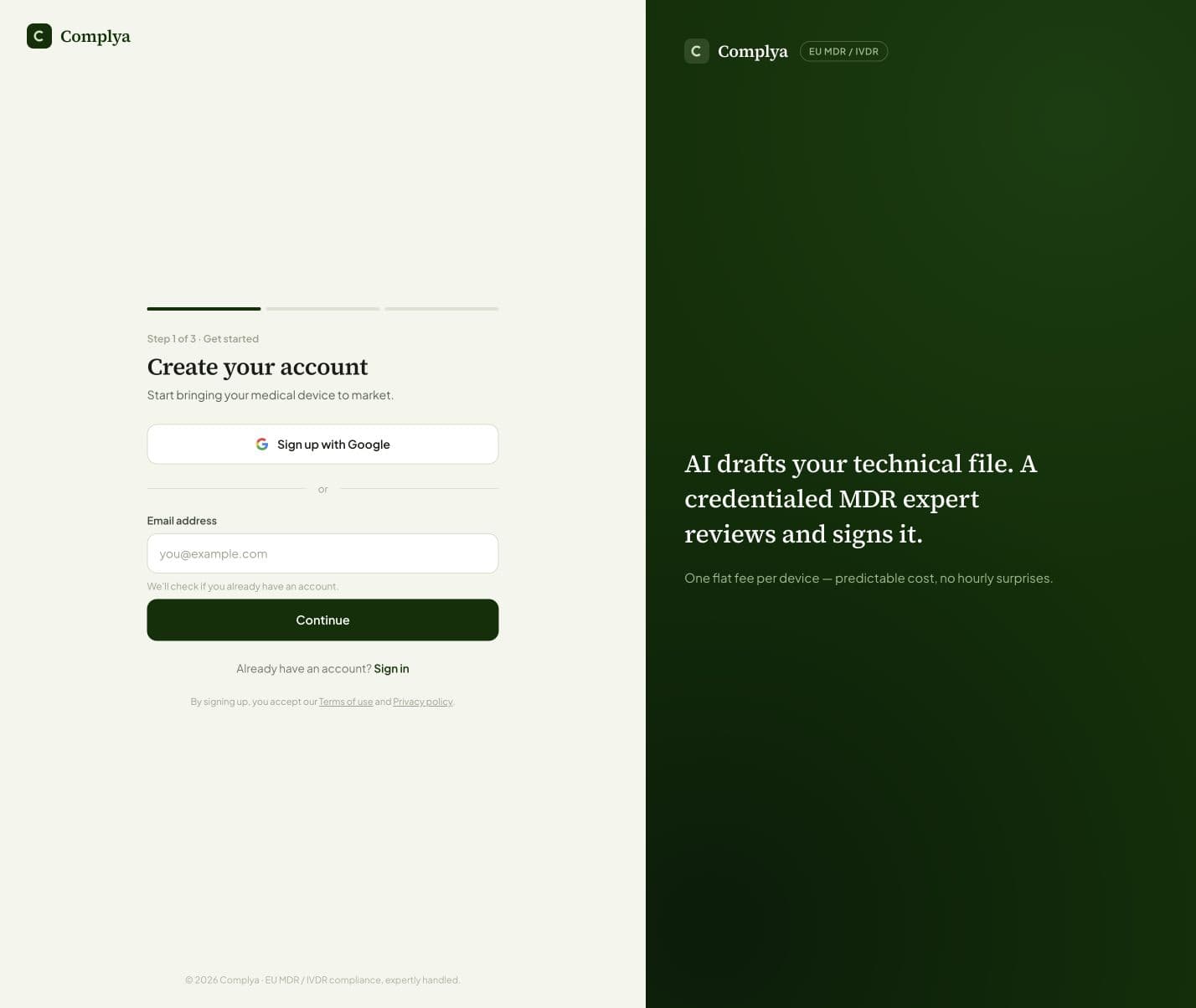
Choose a sign-in method and complete email verification before regulated work.
Getting started with Complya
Where to find it
Create accountYou need
- An individual work email address or an available organisation sign-in method.
Create an individual account so confirmations, messages and review actions can be attributed to the person who performed them. Follow the registration steps and use the verification message when email verification is requested.
What happens next
- Sign in and complete onboarding if the workspace does not yet have your organisation details.
Was this helpful?
Still stuck?
Message support — a person answers, not a bot.
Official references
This article is practical product guidance, not legal advice. Confirm regulatory deadlines and obligations against current official sources and your assigned expert.
European Commission — Medical Devices: New regulationsRegulation (EU) 2017/745 — Medical Device RegulationRegulation (EU) 2017/746 — In Vitro Diagnostic Medical Devices