Use Help & support inside the workspace
Search the client documentation without leaving your current task.
Getting started with Complya
Where to find it
Client sidebar → Help & supportYou need
- A signed-in client workspace.
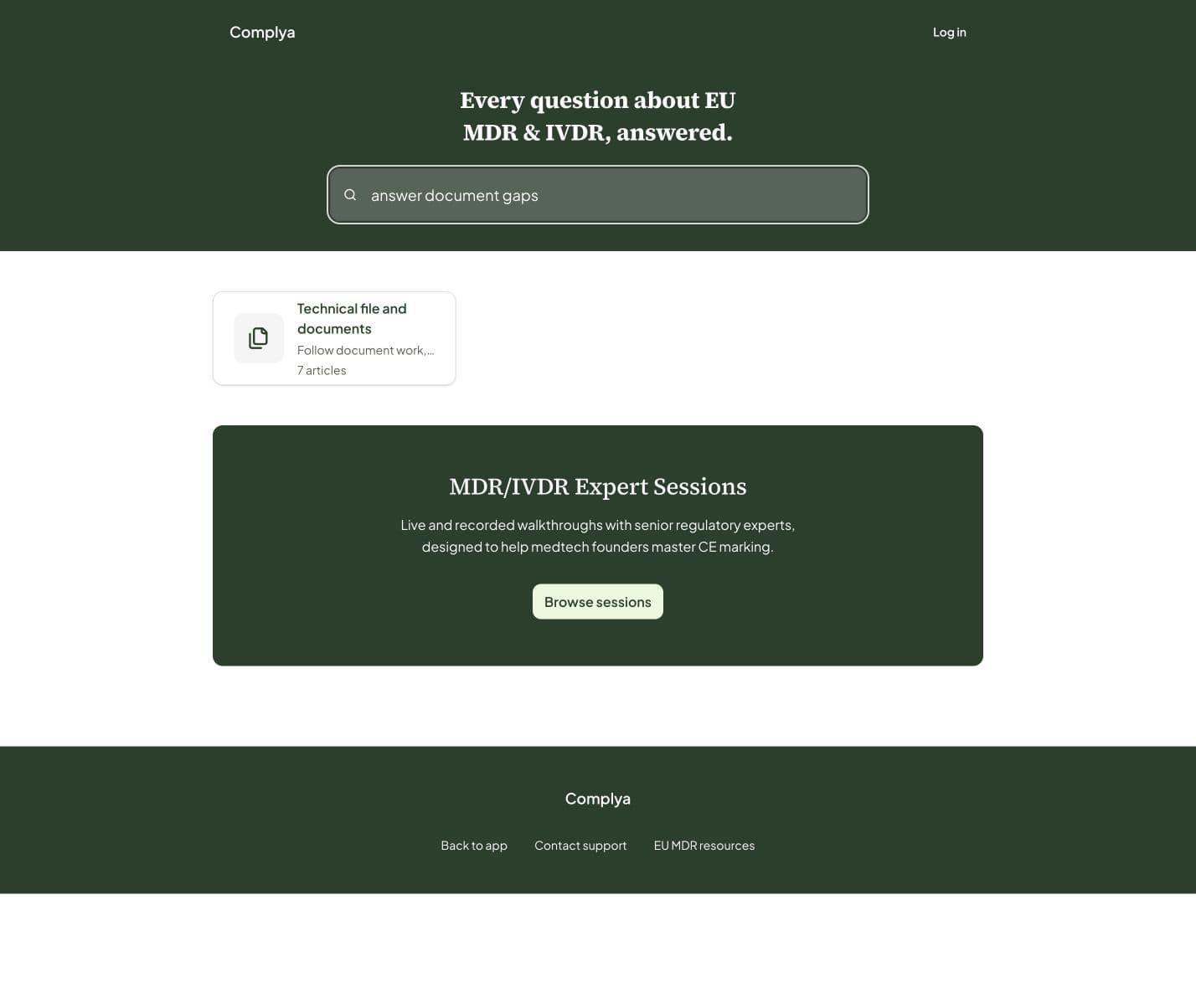
Open Help & support from the sidebar to browse the same client guidance published at the Help Center. Search covers live client articles only; internal expert operating guidance is a separate authenticated collection.
What happens next
- Open a collection, choose an article and return to the product when ready.
Was this helpful?
Still stuck?
Message support — a person answers, not a bot.
Official references
This article is practical product guidance, not legal advice. Confirm regulatory deadlines and obligations against current official sources and your assigned expert.
European Commission — Medical Devices: New regulationsRegulation (EU) 2017/745 — Medical Device RegulationRegulation (EU) 2017/746 — In Vitro Diagnostic Medical Devices